Google Ads Conversion Tracking with GA4 & Google Tag Manager
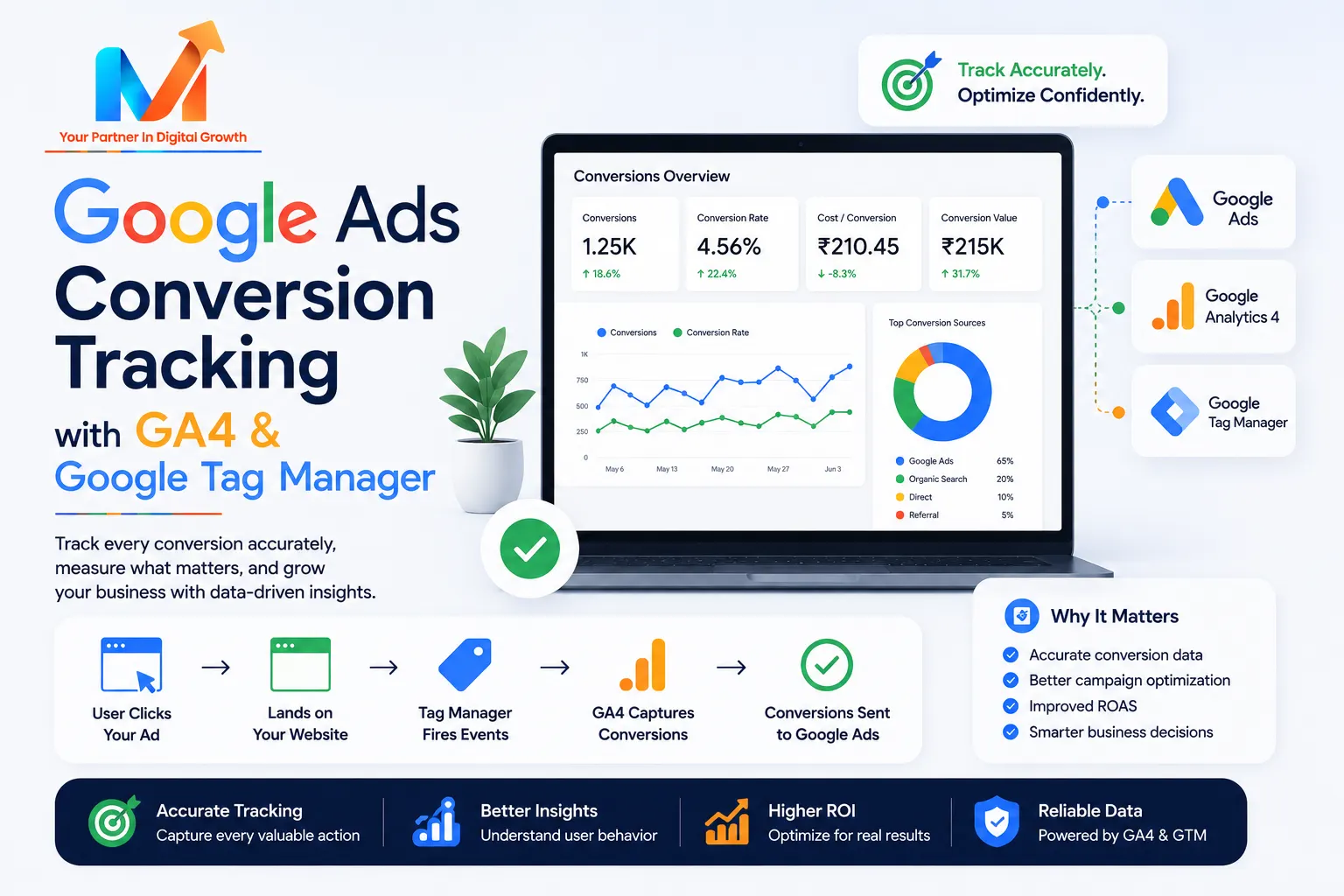
The single most common reason Google Ads accounts waste money is broken or missing conversion tracking. If Google doesn't know which clicks turn into leads or sales, it can't optimise toward them — and neither can you. Here's how to set it up properly with GA4 and Google Tag Manager.
Why conversion tracking is non-negotiable
Conversion tracking tells you (and Google's AI) exactly which keywords, ads, and audiences produce real business results. It's what powers smart bidding, and it's the foundation of every improvement — from lowering cost per lead to measuring a good ROAS.
The stack: GA4, GTM, and Google Ads
Three tools work together: Google Analytics 4 (GA4) measures behaviour, Google Tag Manager (GTM) deploys the tracking tags without touching code, and Google Ads uses the conversions to optimise bidding.
Setup, step by step
- Install GTM on every page of your site (one container snippet).
- Add GA4 through GTM and confirm data is flowing in real time.
- Define key events — form submits, calls, purchases, WhatsApp clicks — as GA4 conversions.
- Link GA4 to Google Ads and import those conversions, or set up a dedicated Google Ads conversion tag in GTM.
- Add call & form tracking so phone leads count too — vital for service businesses.
Common mistakes to avoid
Double-counting conversions (importing from GA4 and firing a Google Ads tag for the same action), counting page views as conversions, forgetting call tracking, and not testing tags in GTM's preview mode before publishing. Each one quietly corrupts your data and misleads the algorithm.
The payoff
With clean tracking, every rupee is tied to a real outcome, smart bidding actually works, and you can prove ROI. It's the difference between guessing and managing — and it's built into how we run Google Ads and PPC for clients.
Want us to audit or set up your tracking? Get in touch.
FAQ
Do I need both GA4 and Google Tag Manager?
GA4 is the analytics platform; Google Tag Manager is the tool that deploys GA4 and conversion tags without editing code. You can install GA4 without GTM, but GTM makes managing tags far easier and less error-prone.
Should I import conversions from GA4 or use a Google Ads tag?
Either works, but not both for the same action, or you will double-count. Many advertisers use a dedicated Google Ads conversion tag for primary actions to get the fastest, most accurate signal for bidding.
How do I track phone calls as conversions?
Use Google Ads call tracking or a call-tracking tool that fires a conversion when a call lasts beyond a set length. For service businesses, untracked calls are often the biggest blind spot in the account.